
Gaming fixes that move fast
Fix gaming issues without the noise
Moe Gaming delivers clean troubleshooting guides, video walkthroughs, and game-specific fixes for PC, console, and everyday gaming tech problems.
Fast answers
PC, console, and game fixes
Editorial focus
Guides, videos, and updates
Built for discovery
Find the right topic quickly
Explore
Browse core categories
Jump into the sections readers use most when they need a fast fix or a reliable walkthrough.
Video Guides
Watch walkthroughs and quick visual explanations when text alone is not enough.
Featured
Spotlight content blocks
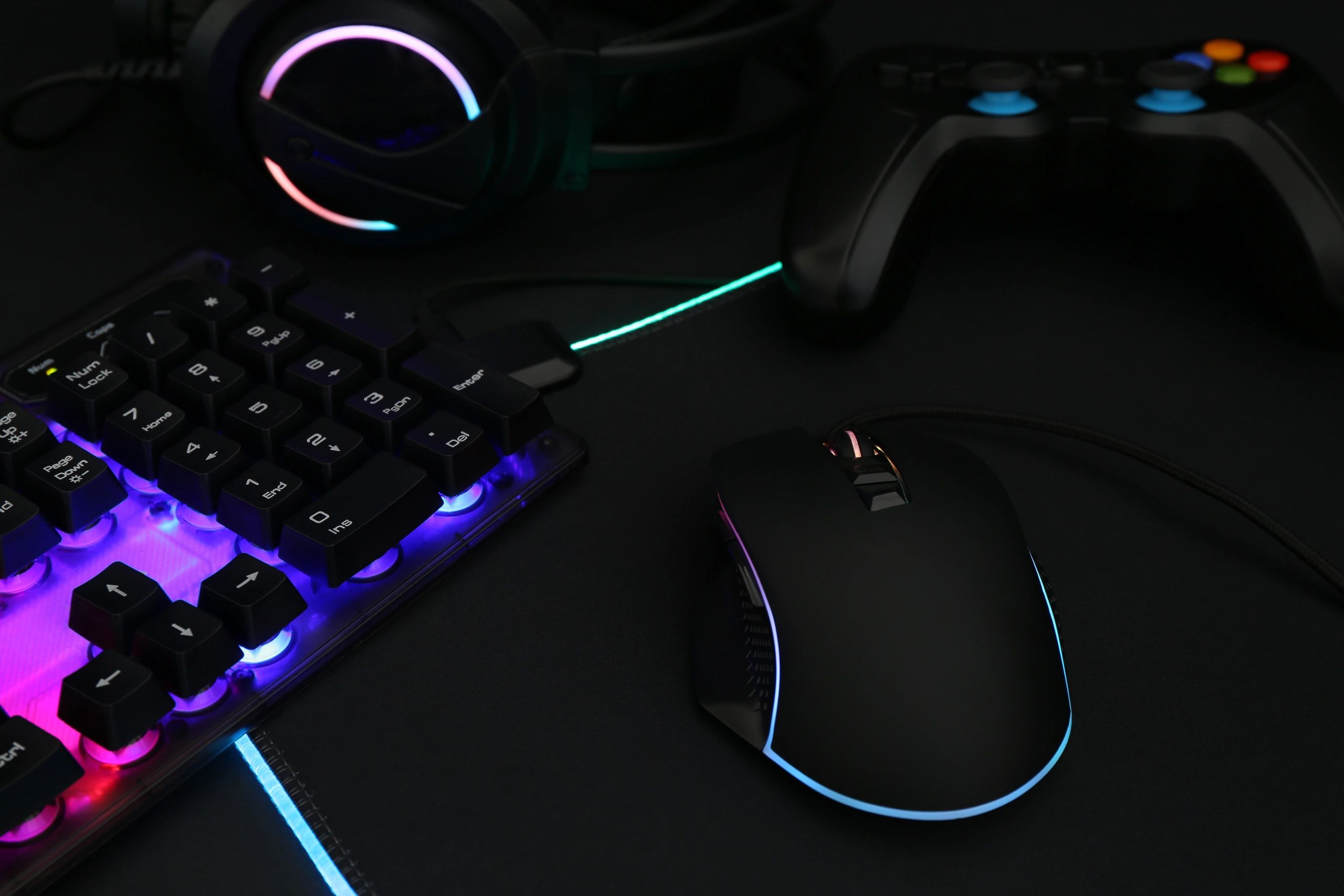
Latest focus
Troubleshooting that gets to the point
Cleaner editorial blocks make it easier to feature major fixes, update roundups, and important platform changes.

Compact featured stories
Use this area to highlight a major fix, a trending game issue, or a must-watch video guide.
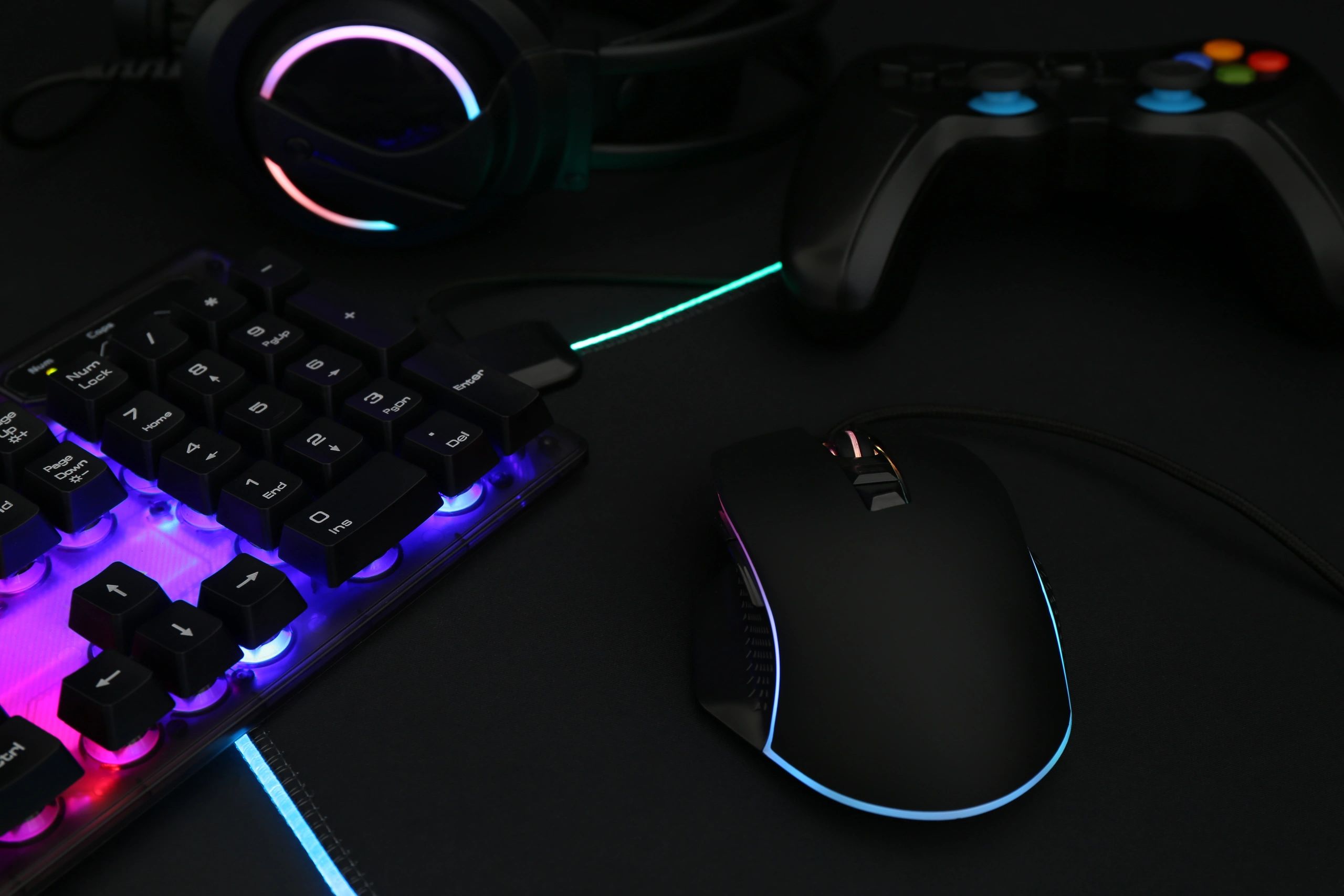
Category-led discovery
Readers can move from broad topics into specific fixes without the homepage feeling cluttered.
About Moe Gaming
A sharper homepage for gaming tech readers
Moe Gaming is built for players who want direct answers. The new homepage direction keeps the dark editorial mood, trims visual clutter, and gives tutorials, videos, and topic discovery a stronger hierarchy.
- Cleaner hero with stronger calls to action
- Card-based sections for faster scanning
- Non-human gaming visuals throughout
- Better separation between tutorials and videos


Stay in the loop
Follow the latest fixes and video drops
Use the Tutorials and Videos sections to keep up with new troubleshooting content, platform updates, and game-specific help.